.png)



ID: B0DF59D9YW
Closed
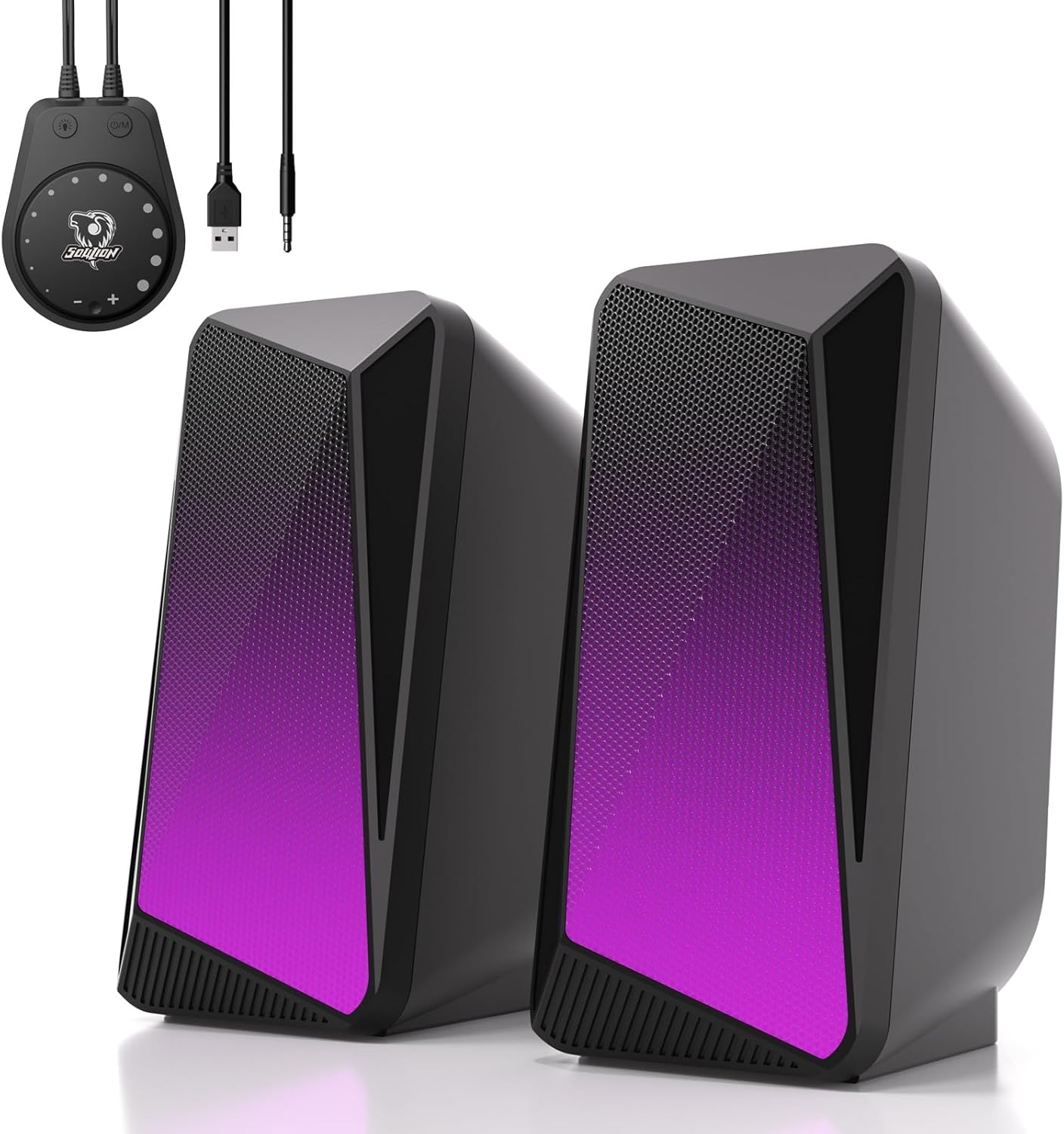
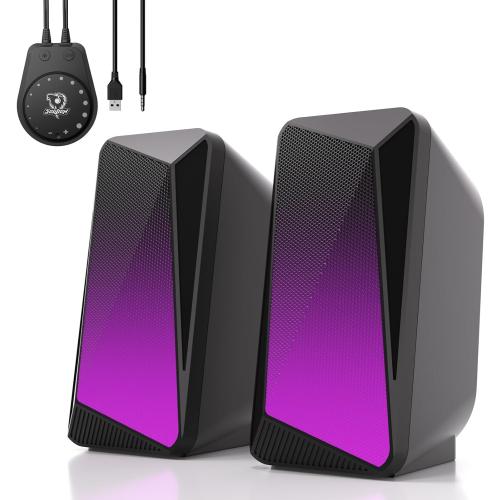
SOULION C30 Computer Speakers, USB Powered & 3.5 mm AUX Bluetooth Speakers for Desktop Monitor, LED Flame Lights & Easy-Control Pod, Gaming Speakers for Laptop Tablet Phone - Black
Retail Value: $15.00
$5.00
Closed
Condition: Open Box
Description
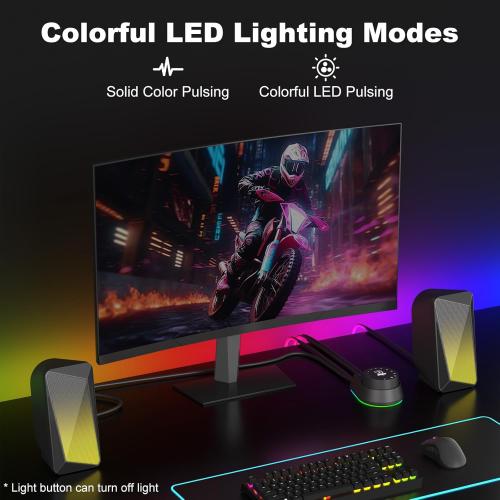
【Pulsing & LED Flame Lights】Pulse mode and unique flame effect mode: the light mimics the authentic flicker of a dancing flame. The lights dynamically pulse and dance in sync with the rhythm, creating a remarkably vivid and lifelike ambiance
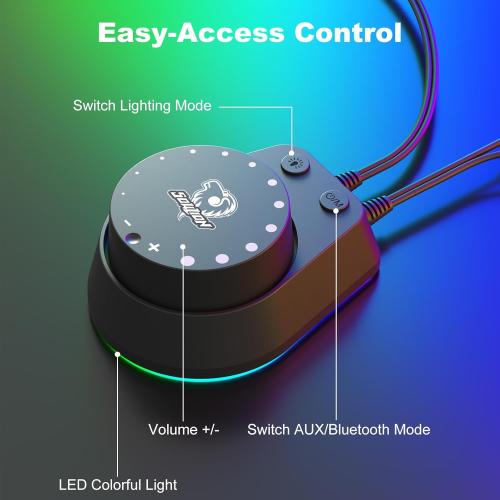
【Easy-Control Pod】Multi-function dock is easy to operate. Each dedicated button controls a specific function: power on/off, mode switching, LED light adjustment, and Bluetooth reset. The black knob adjusts the volume, clearly marked with " " and "-" and dots to distinguish the volume
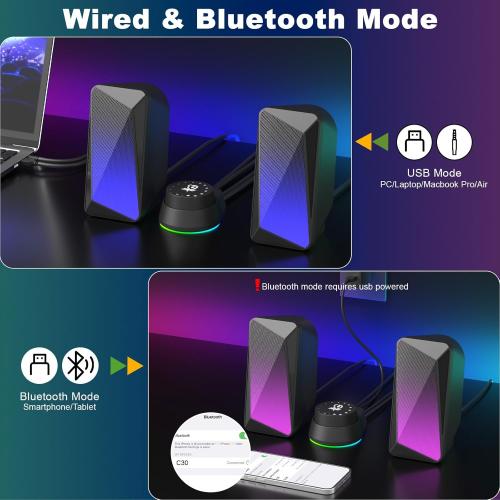
【3.5MM Aux Mode】Plug into the USB port for power, press the "M" key to select "Aux Mode", the 3.5mm jack for sound. The pc speakers for computer are widely compatible with various devices such as PCs, laptops, tablets, smartphones and more
【Bluetooth Mode】Plug in the USB port for power, press the "M" button to select "Bluetooth Mode", and then there will be a "beep" sound. Search for "C30" on smartphone and connect, press and hold the light button for three seconds to wipe off & reset bluetooth connection. The Bluetooth connection must be within a certain range (10 meters / 33 feet) to remain stable
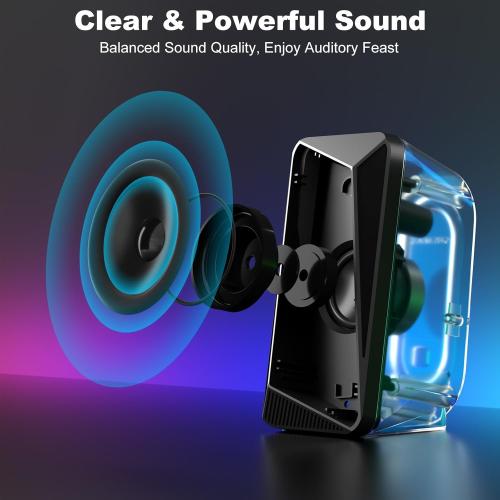
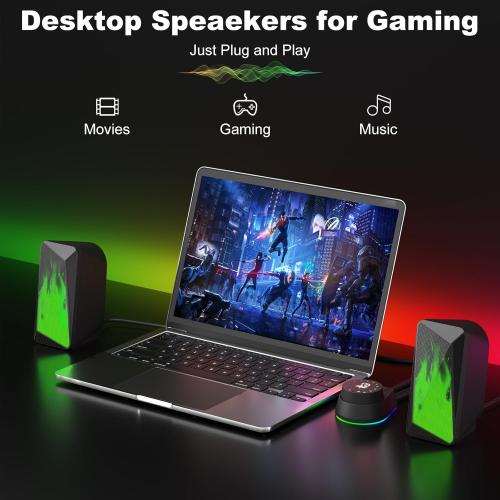
【Rich & Clear Sound】Gaming speakers can be placed on both sides of the computer, transmitting rich and clear sound evenly to the left and right sides, providing you with a more comfortable listening experience and making you feel as if you are in the game
【Easy-Control Pod】Multi-function dock is easy to operate. Each dedicated button controls a specific function: power on/off, mode switching, LED light adjustment, and Bluetooth reset. The black knob adjusts the volume, clearly marked with " " and "-" and dots to distinguish the volume
【3.5MM Aux Mode】Plug into the USB port for power, press the "M" key to select "Aux Mode", the 3.5mm jack for sound. The pc speakers for computer are widely compatible with various devices such as PCs, laptops, tablets, smartphones and more
【Bluetooth Mode】Plug in the USB port for power, press the "M" button to select "Bluetooth Mode", and then there will be a "beep" sound. Search for "C30" on smartphone and connect, press and hold the light button for three seconds to wipe off & reset bluetooth connection. The Bluetooth connection must be within a certain range (10 meters / 33 feet) to remain stable
【Rich & Clear Sound】Gaming speakers can be placed on both sides of the computer, transmitting rich and clear sound evenly to the left and right sides, providing you with a more comfortable listening experience and making you feel as if you are in the game
Location: DFW, TX
- Shipping
- Please wait...
5.00
Bids History
| Bidder | Amount | Date |
|---|---|---|
| B****n | $5.00 | 02/25/2026 12:12:18 |