.png)




ID: B0FVKNYRKQ
Closed
Voice Control TV Remote Replacement Compatible with Fire-AMZ-Smart TVs Stick (2nd Gen/4K/Lite/Cube/2020 Release), for Fire Smart TV 3rd Gen, N0t for Samsung/Insignia/Pioneer-TV
Retail Value: $8.99
$2.00
Closed
Condition: Open Box
Description
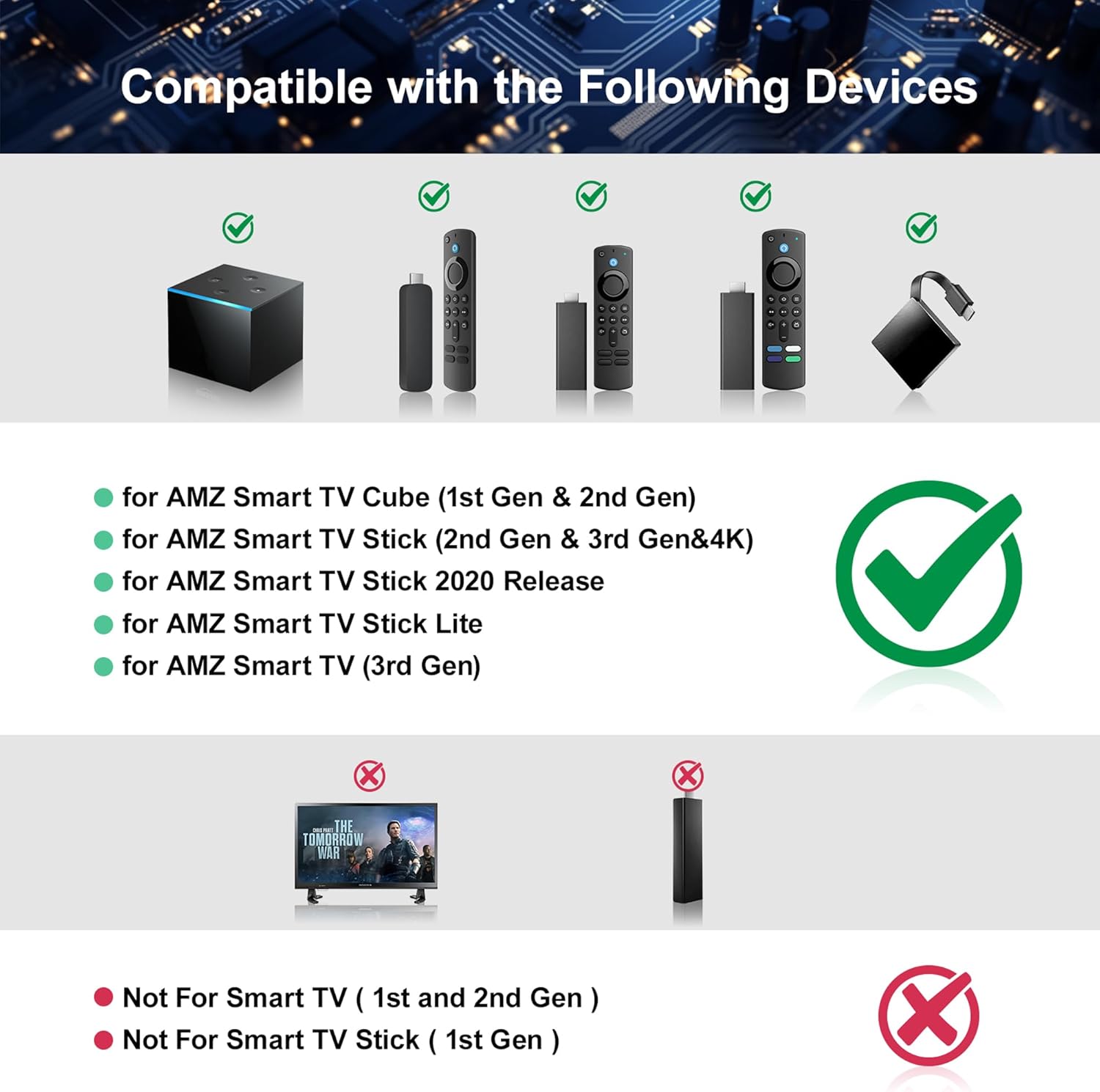
【COMPATIBLE WITH】: The replacement works with Smart TV Stick 4K Select, Smart TV Stick 4K Max (2nd Gen),Smart TV Stick 4K Max (1st Gen), Smart TV Stick 4K Plus, Smart TV Stick 4K (2nd Gen), Smart TV Stick 4K (1st Gen), Smart TV Stick HD, Smart TV Stick Lite, Smart TV Stick (3rd Gen), Smart TV Cube (3rd Gen), Smart TV Cube (2nd Gen)
【NOT COMPATIBLE WITH】: The replacement not compatible with AMZ TV 1st Gen, AMZ TV 2nd Gen, AMZ TV Stick 1st Gen, AMZ TV Edition Smart TVs
【VOICE FUNCTION】: Simply press and speak to instantly find movies and shows, play music, check live sports scores and weather updates, or control compatible smart home devices. This voice feature eliminates tedious menu navigation—just speak to launch any app instantly, making every use faster and more convenient than ever
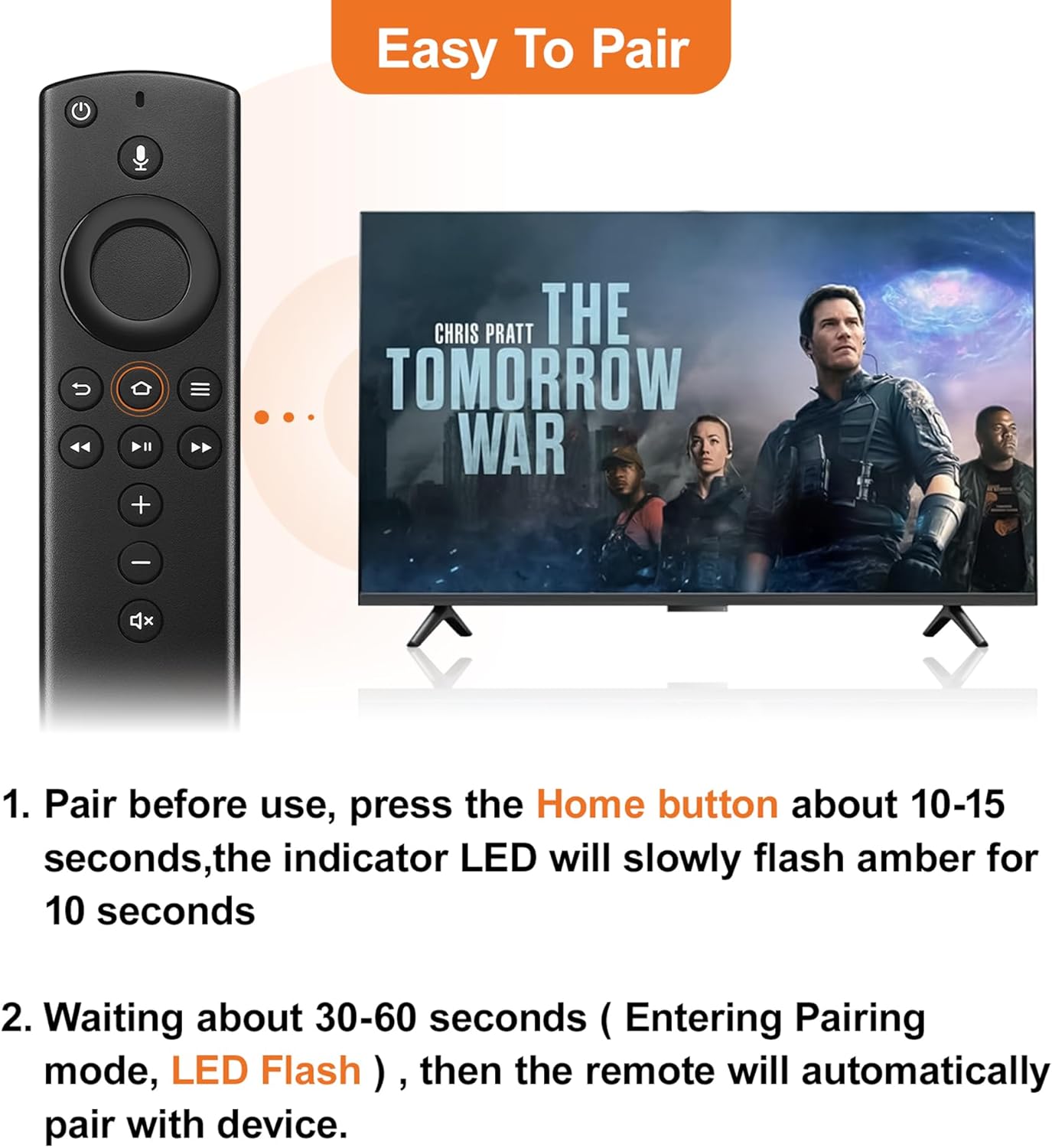
【EASY TO PAIR】: ①Remove the stick and power from the TV. ②Re-connect the power and continue to watch TV. ③Press and hold the Home button for 10–15 seconds until the LED flashes amber rapidly. The remote will then pair with your device automatically
【NOTICE】: ①The batteries of the old remote control must be removed before pairing to cancel the pairing. ②Please confirm your remote whether connected more than 6 limits
【NOT COMPATIBLE WITH】: The replacement not compatible with AMZ TV 1st Gen, AMZ TV 2nd Gen, AMZ TV Stick 1st Gen, AMZ TV Edition Smart TVs
【VOICE FUNCTION】: Simply press and speak to instantly find movies and shows, play music, check live sports scores and weather updates, or control compatible smart home devices. This voice feature eliminates tedious menu navigation—just speak to launch any app instantly, making every use faster and more convenient than ever
【EASY TO PAIR】: ①Remove the stick and power from the TV. ②Re-connect the power and continue to watch TV. ③Press and hold the Home button for 10–15 seconds until the LED flashes amber rapidly. The remote will then pair with your device automatically
【NOTICE】: ①The batteries of the old remote control must be removed before pairing to cancel the pairing. ②Please confirm your remote whether connected more than 6 limits
Location: DFW, TX
- Shipping
- Please wait...
2.00
Bids History
| Bidder | Amount | Date |
|---|---|---|
| T****s | $2.00 | 04/28/2026 20:23:48 |