.png)





ID: B0D6GFNFJY
Closed
Universal-TV-Remote-Control for Samsung LG Vizio Roku TCL Hisense Sony TVs
Retail Value: $9.98
$2.00
Closed
Condition: Open Box
Description
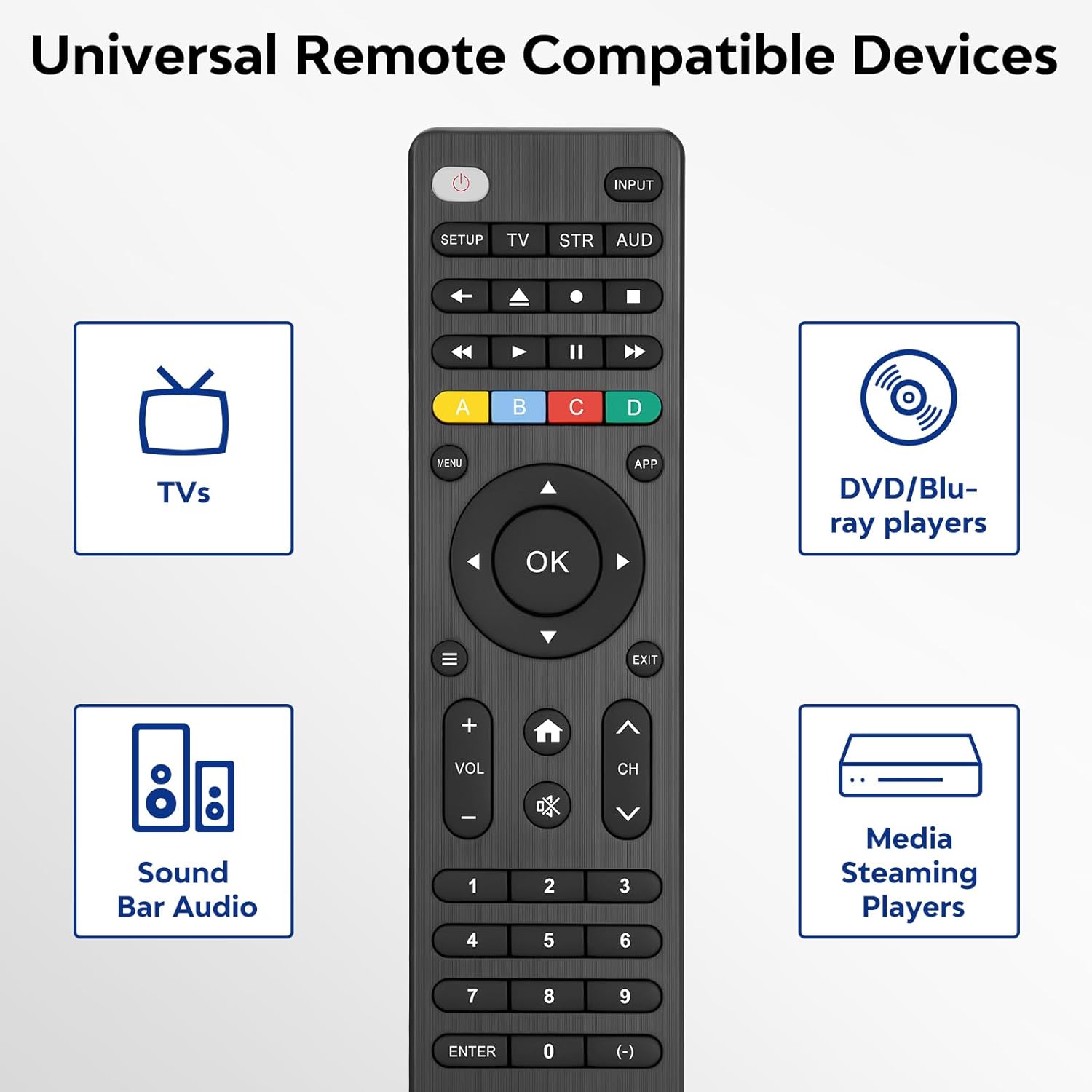
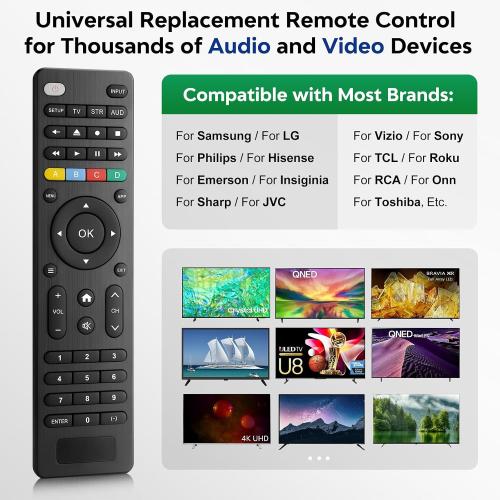
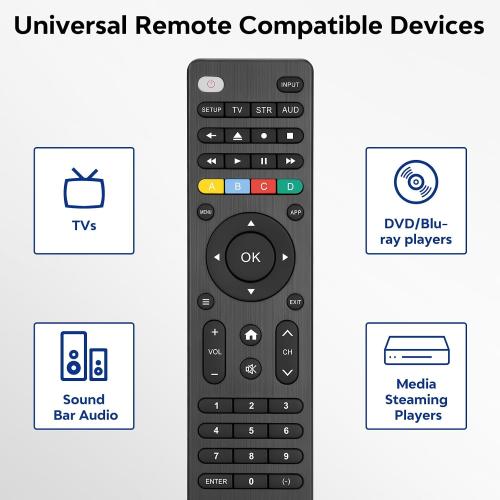
【Compatible Devices】Universal replacement remote control is compatible with TV brands for Samsung, LG, Vizio, Sony, Hisense, Onn, Sharp, RCA, Element, Westinghouse, Sanyo, Emerson, Philips, JVC, Sceptre, Sansui, Panasonic, Magnavox, Skyworth TV and More Brand Smart TVs. Compatible with devices, including DVD/Blu-ray players, Media Streaming Players and more!
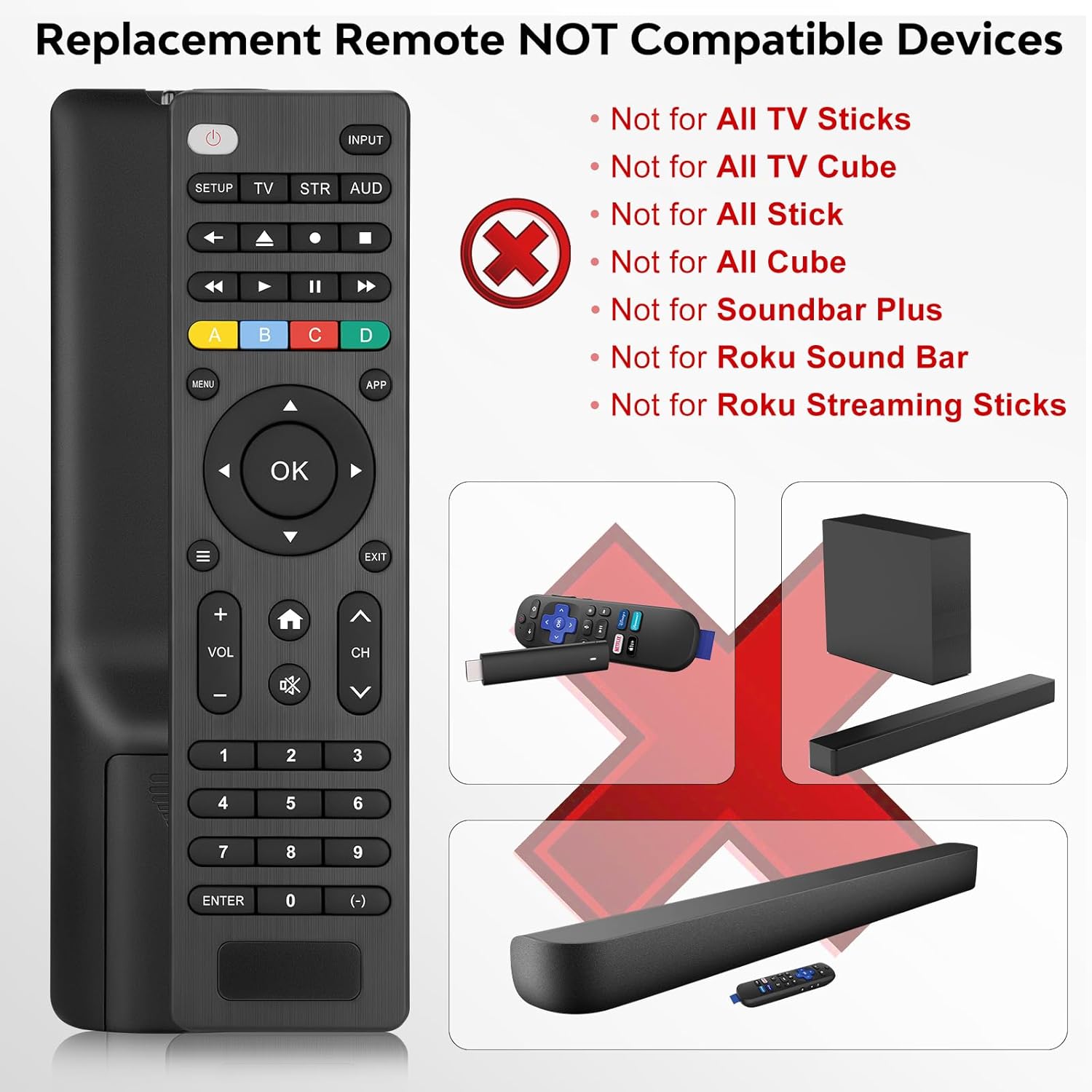
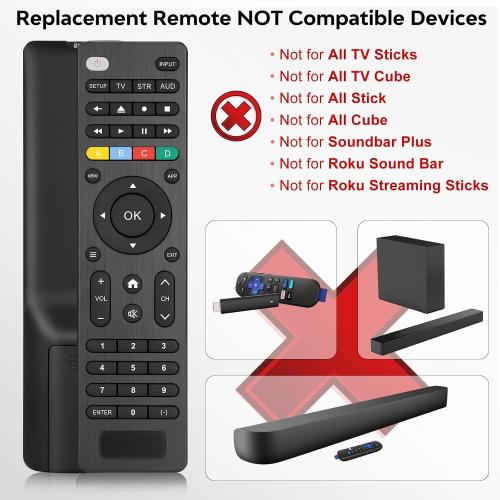
【NOT Compatible Devices】Universal remote is Not compatible with Roku Streaming Sticks, Roku Sound Bar, TLC Sound Bar, Hisense Sound Bar, Anker Sound Bar, Klipsch Sound Bar, All Fire TV, All TV Sticks, All TV Cube, Apple TV, Google Chromecast TV (This product can only be connected and paired via infrared).
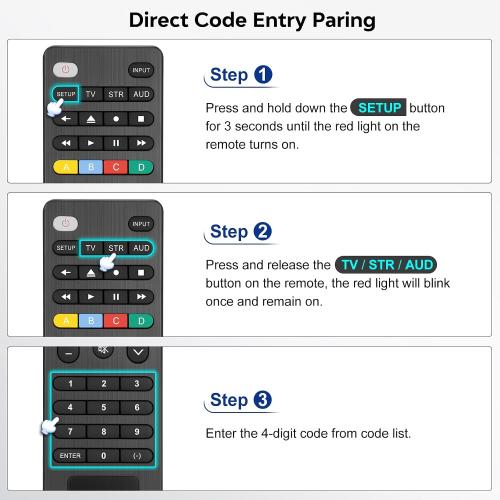
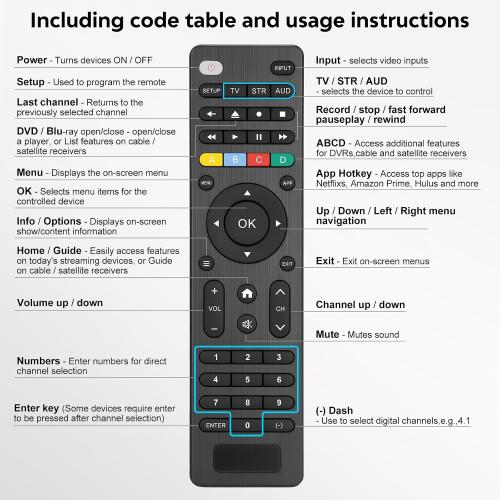
【Simple Setup】Step 1: Find the device type you need in the code list. Then find and circle all the codes for the brand. Step 2: Press and hold down the (SETUP) button for 3 seconds until the red light on the remote turns on. Step 3: Press and release the (TV/STR/AUD) button on the remote, the red light will blink once and remain on. Step 4: Enter the first 4-digit code from the code list. Step 5: Point the remote at the TV, and test the buttons on the remote to see if the TV responds as you would expect. If the buttons don't control the TV, repeat steps 2-4 and enter a different code to test. Note: If all the codes in the program fail, please check the instructions on page 7 "Automatic Code Search."
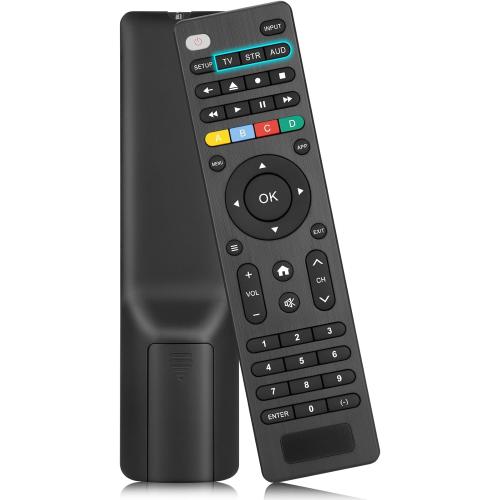
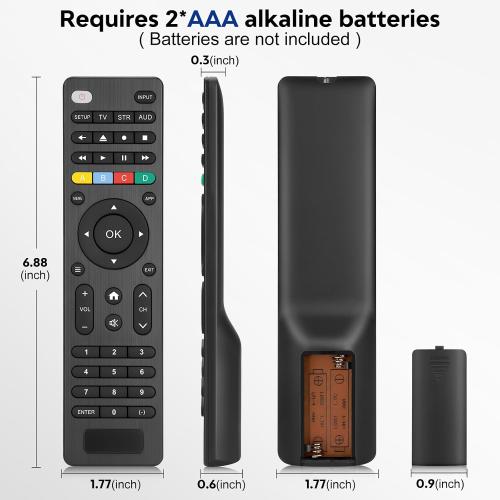
【Package Included】Package includes 1* Remote Control, 1* User Manual, and 1* Code list. The universal remote control is to use 2 * AAA alkaline batteries (Batteries are not included). Note: Please do not mix old and new batteries or mix different batteries together.
【NOT Compatible Devices】Universal remote is Not compatible with Roku Streaming Sticks, Roku Sound Bar, TLC Sound Bar, Hisense Sound Bar, Anker Sound Bar, Klipsch Sound Bar, All Fire TV, All TV Sticks, All TV Cube, Apple TV, Google Chromecast TV (This product can only be connected and paired via infrared).
【Simple Setup】Step 1: Find the device type you need in the code list. Then find and circle all the codes for the brand. Step 2: Press and hold down the (SETUP) button for 3 seconds until the red light on the remote turns on. Step 3: Press and release the (TV/STR/AUD) button on the remote, the red light will blink once and remain on. Step 4: Enter the first 4-digit code from the code list. Step 5: Point the remote at the TV, and test the buttons on the remote to see if the TV responds as you would expect. If the buttons don't control the TV, repeat steps 2-4 and enter a different code to test. Note: If all the codes in the program fail, please check the instructions on page 7 "Automatic Code Search."
【Package Included】Package includes 1* Remote Control, 1* User Manual, and 1* Code list. The universal remote control is to use 2 * AAA alkaline batteries (Batteries are not included). Note: Please do not mix old and new batteries or mix different batteries together.
Location: DFW, TX
- Shipping
- Please wait...
2.00
Bids History
| Bidder | Amount | Date |
|---|---|---|
| V****o | $2.00 | 09/22/2026 21:39:29 |