.png)








ID: B0CQR93RDQ
Closed
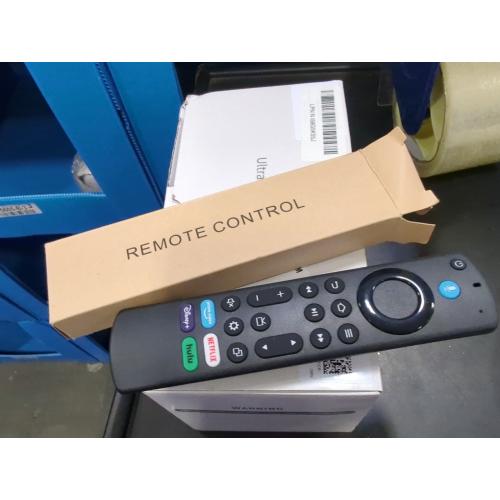
Replacement Voice Remote Control for All Insignia Fire-Series TV Remote, Fit for TV Cube/Stick 4K Max/Stick 4K(1st/2nd Gen), Stick (2nd/3rd Gen)/Lite/HD, Fit for Hisense, Toshiba/Pioneer Smart TVs
Retail Value: $22.00
$5.00
Closed
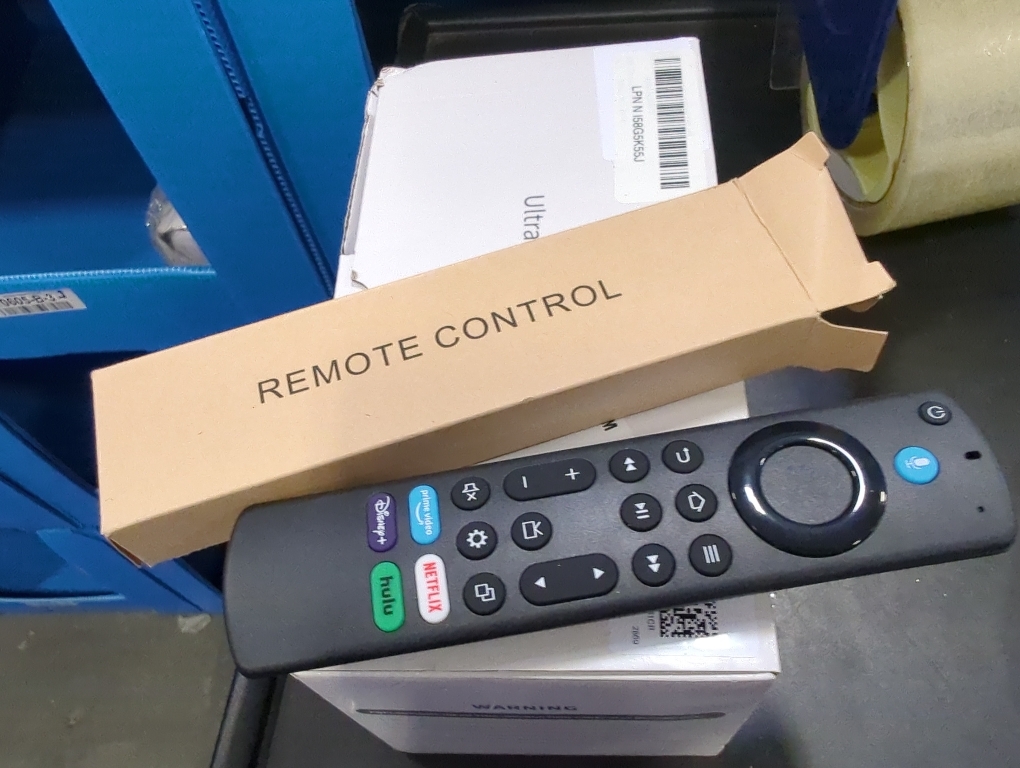
Condition: Open Box
Description
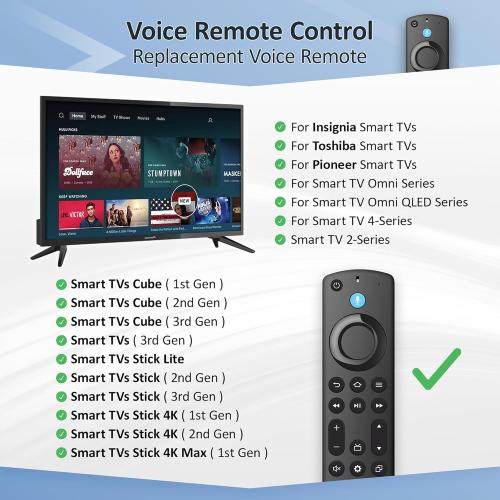
Compatible with: Smart TVs Cube (1st / 2nd / 3rd Gen), Smart TVs Stick 4K Max (1st / 2nd Gen), Smart TVs Stick 4K (1st / 2nd Gen), Smart TVs Stick (2nd / 3rd Gen), Smart TVs Stick Lite, TV Stick HD, Smart TVs (3rd Gen), Great fit for Hisense, TCL Smart TV, Omni Mini-LED Series, Omni Series, 4-Series, Insignia, Toshiba, Pioneer Smart TV, Not for Roku, Not for Samsung
Not Compatible: This remote control can not compatible with Smart TVs 1st Gen, Smart TVs 2nd Gen, Smart TVs Stick (1st Gen), or Smart TVs Edition smart TVs, Before placing an order, please make sure your device model is fit our remote.
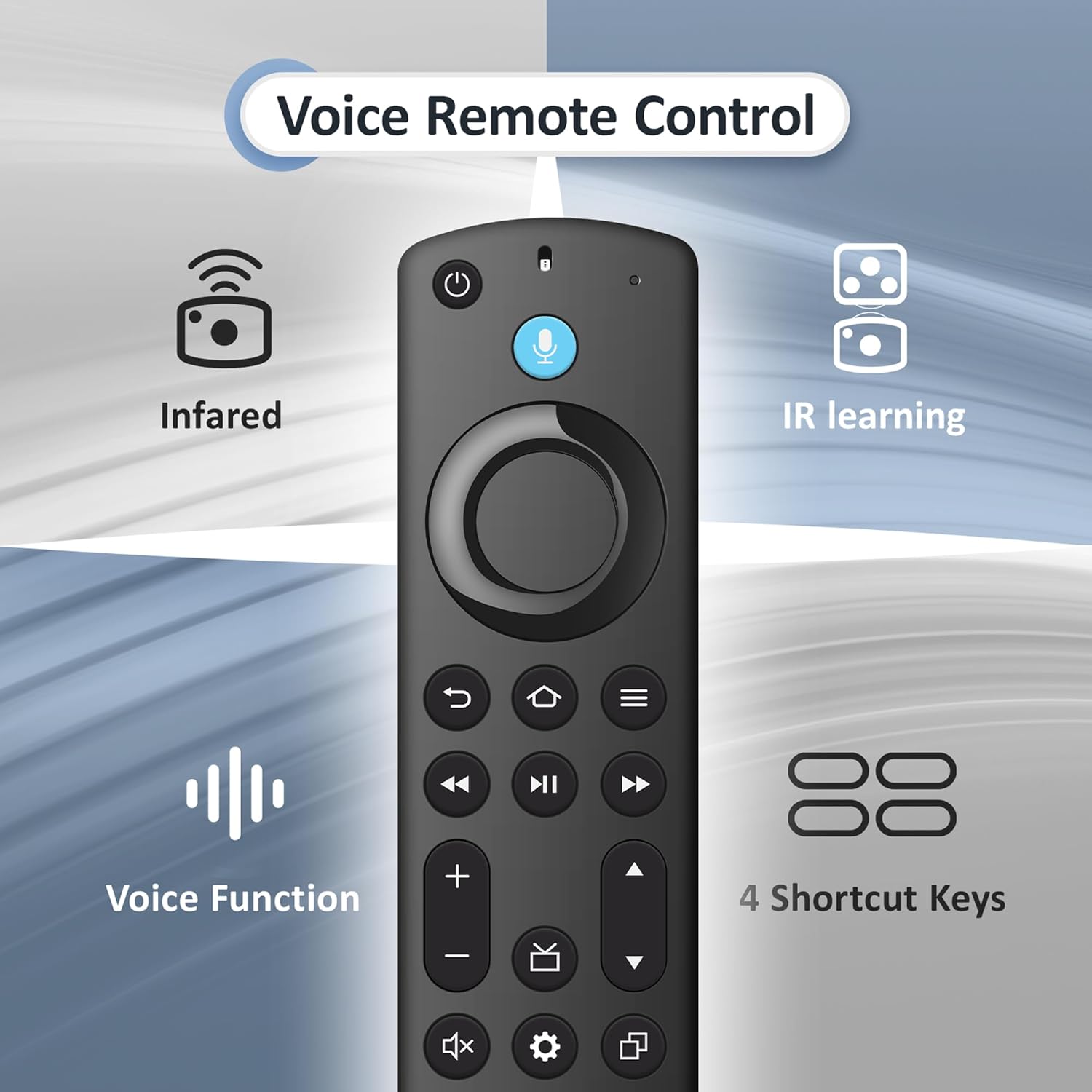
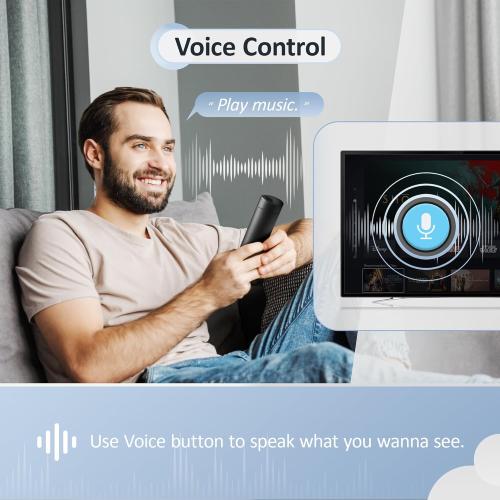
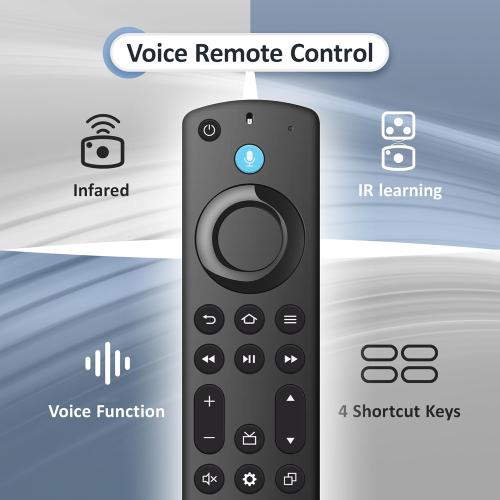
With Voice Function: You can use the voice function to easily find, launch, and control content, play music, view sports scores, check the weather, see live camera feeds, and control compatible smart home devices. Quickly jump to your favorite scenes with standard navigation and playback controls.
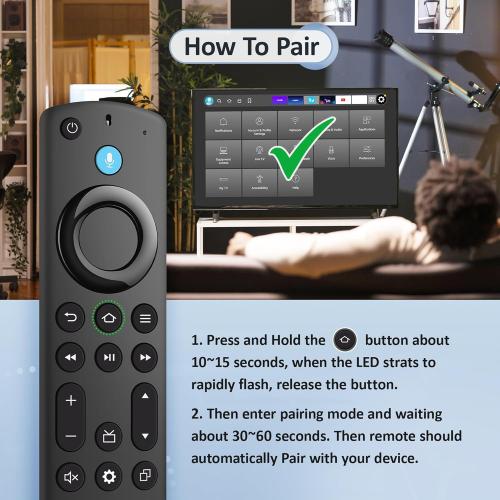
How to Pair: First you need to remove stick from TV and power from stick. Then reattach power and stick back in TV. Then Press the Home button about 10-15 seconds until the LED indicator starts to rapidly flash amber for 10 seconds, then your remote will automatically pair with your device.
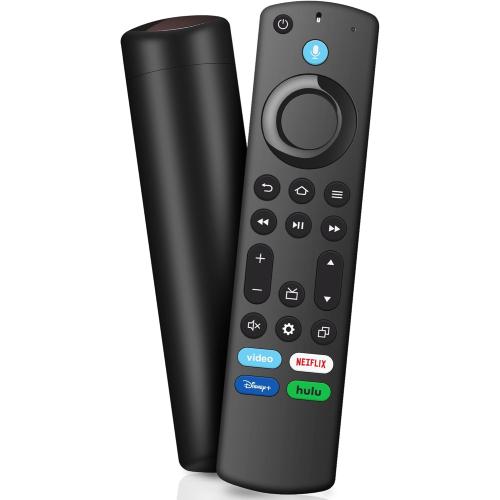
What You Get: 1 * Voice Function Remote Control (2 AAA batteries not included), 1 * User Manual.
Not Compatible: This remote control can not compatible with Smart TVs 1st Gen, Smart TVs 2nd Gen, Smart TVs Stick (1st Gen), or Smart TVs Edition smart TVs, Before placing an order, please make sure your device model is fit our remote.
With Voice Function: You can use the voice function to easily find, launch, and control content, play music, view sports scores, check the weather, see live camera feeds, and control compatible smart home devices. Quickly jump to your favorite scenes with standard navigation and playback controls.
How to Pair: First you need to remove stick from TV and power from stick. Then reattach power and stick back in TV. Then Press the Home button about 10-15 seconds until the LED indicator starts to rapidly flash amber for 10 seconds, then your remote will automatically pair with your device.
What You Get: 1 * Voice Function Remote Control (2 AAA batteries not included), 1 * User Manual.
Location: DFW, TX
- Shipping
- Please wait...
5.00
Bids History
| Bidder | Amount | Date |
|---|---|---|
| e****d | $5.00 | 02/12/2026 13:46:22 |