.png)



ID: B0DTNX2Q9X
Closed
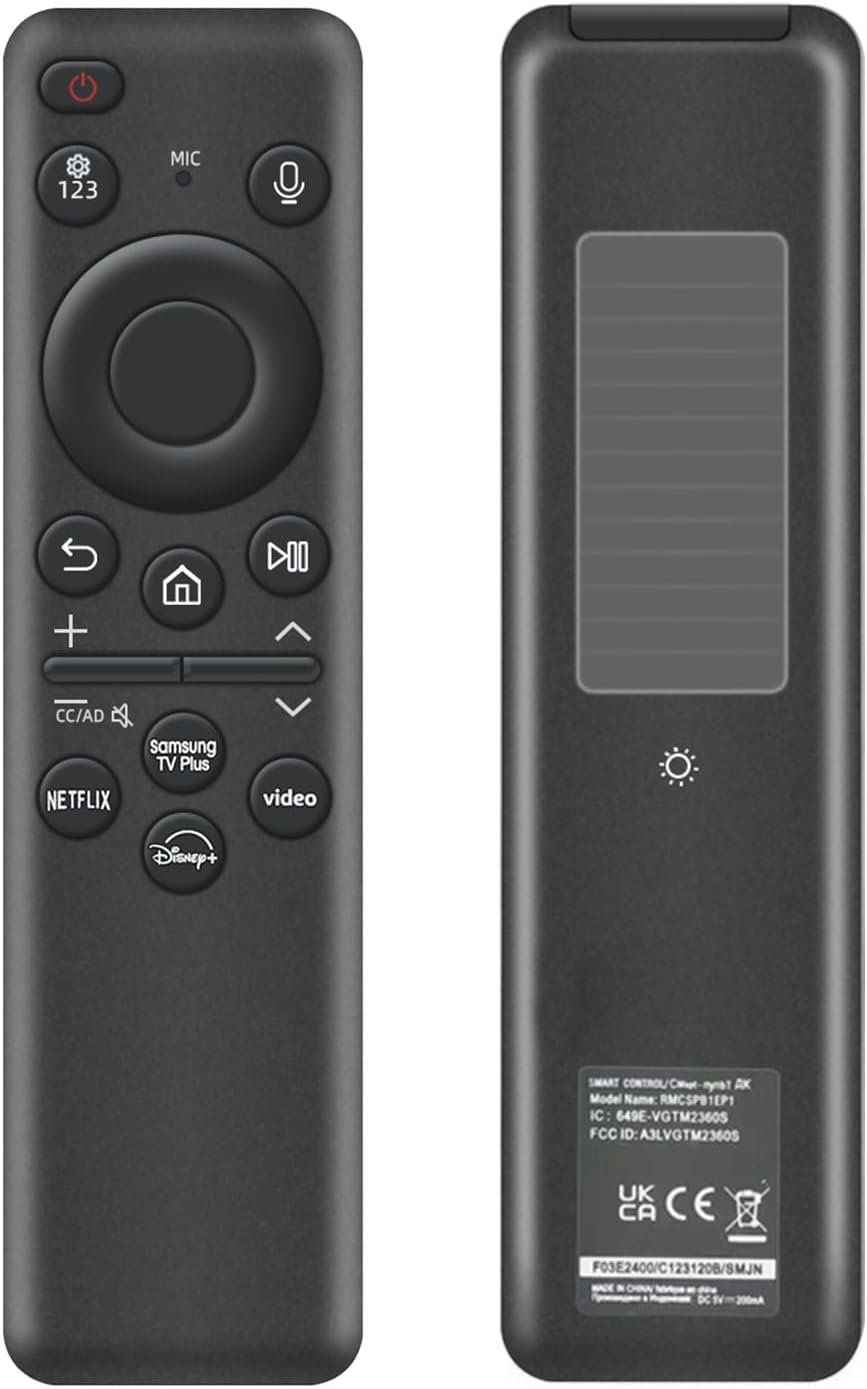
Rechargeable Voice Remote for Samsung Smart TVs, Replacement for 2019–2026 Samsung TV Remote Control. USB-C & Solar Charging. Voice Search. 2-Year Warranty.
Retail Value: $29.99
$7.00
Closed
Condition: Open Box
Description
【Compatibility】 Designed for Samsung Smart TVs from 2019 to 2026, this rechargeable voice remote is a seamless substitute. 【Important Notice】This remote is compatible with All 2019–2026 Samsung TVs that support voice control. For Samsung TVs that do not support voice control or were released before 2019, the voice control feature on this remote may not function.
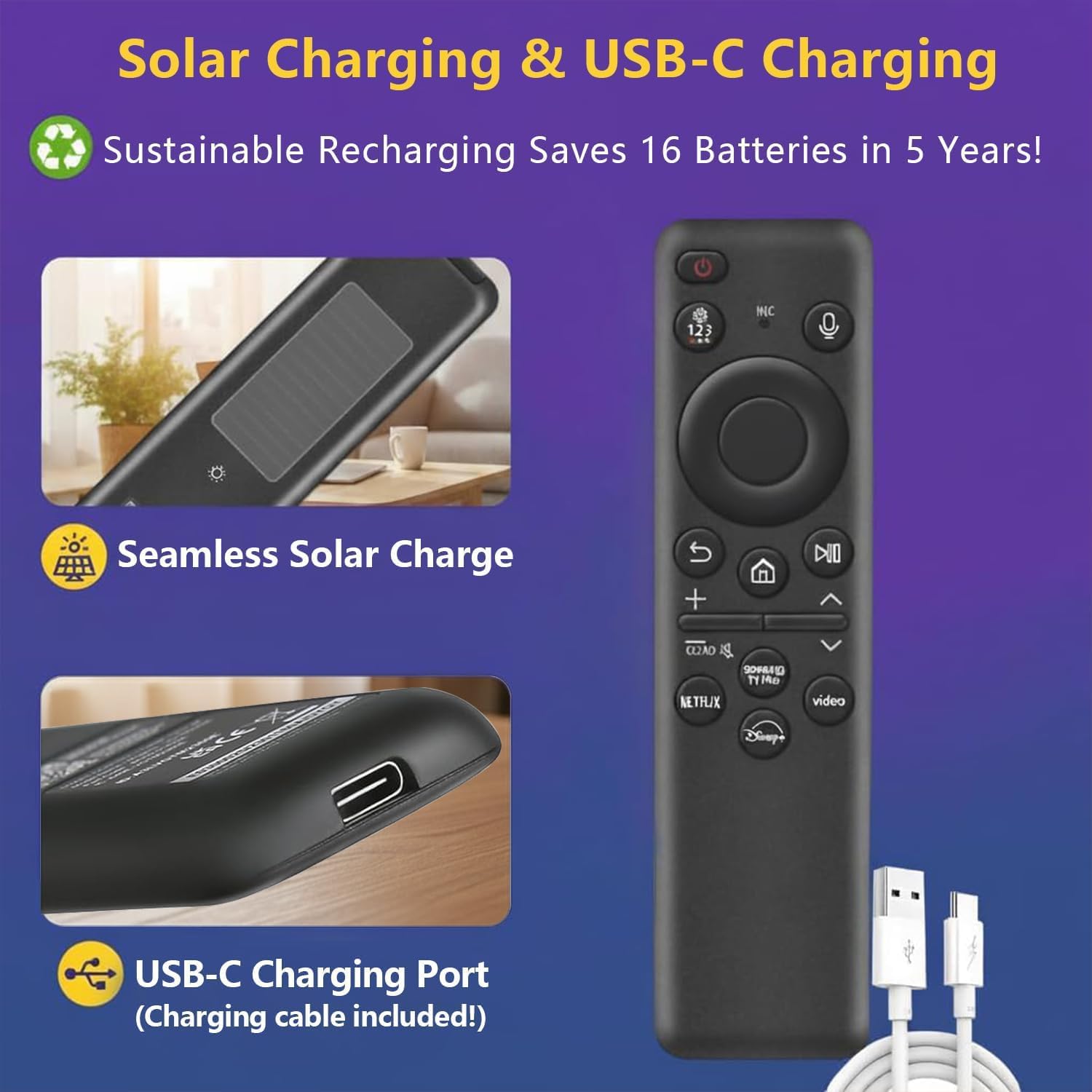
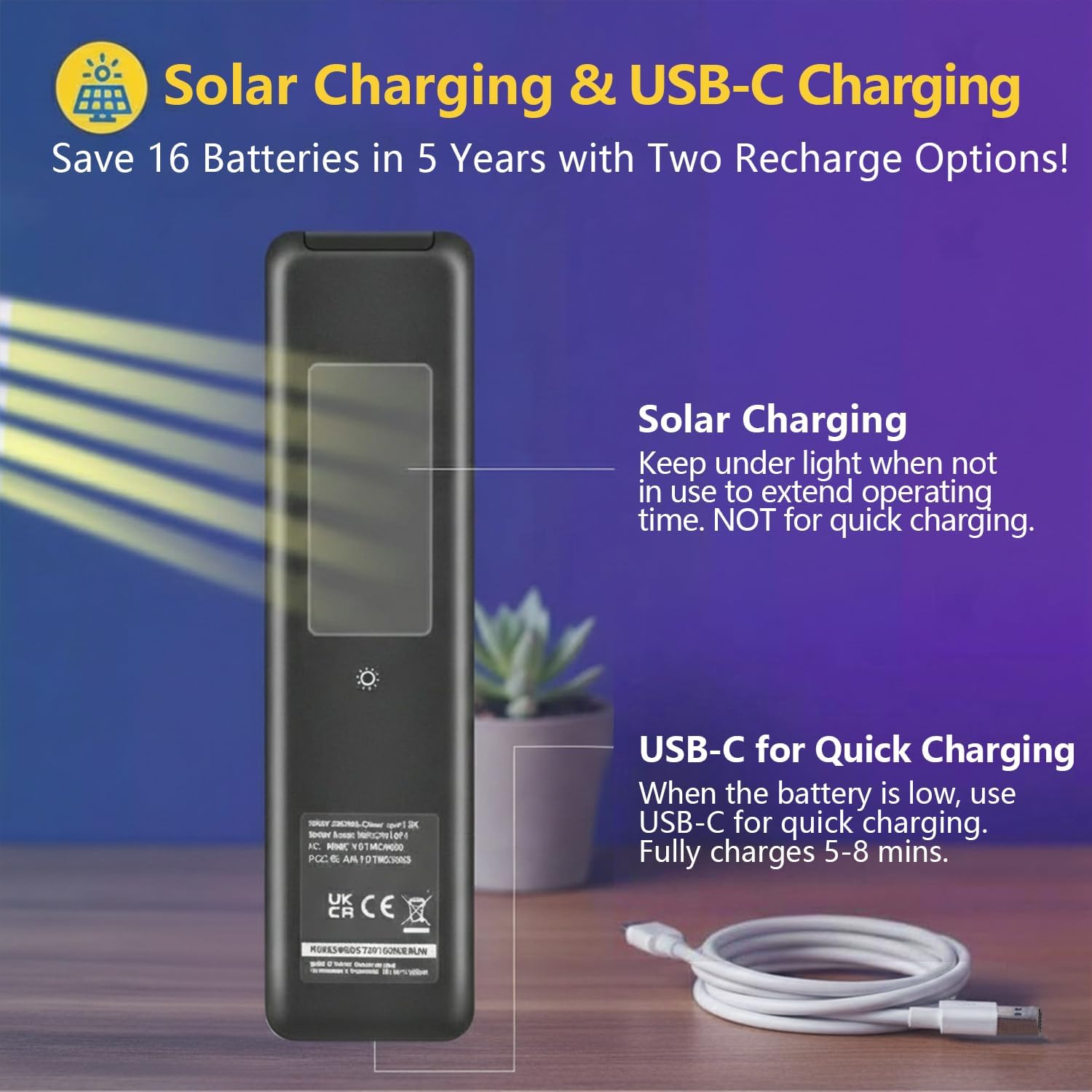
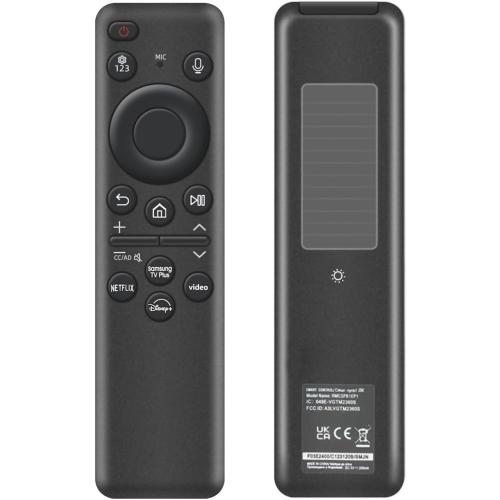
【Eco-Powered Recharging】No more disposable batteries—this premium remote features both solar and USB-C charging (charging cable included), saving over 16 (8 pairs of) batteries in just five years. With built-in voice control, it’s smart, sustainable, and always ready when you are.
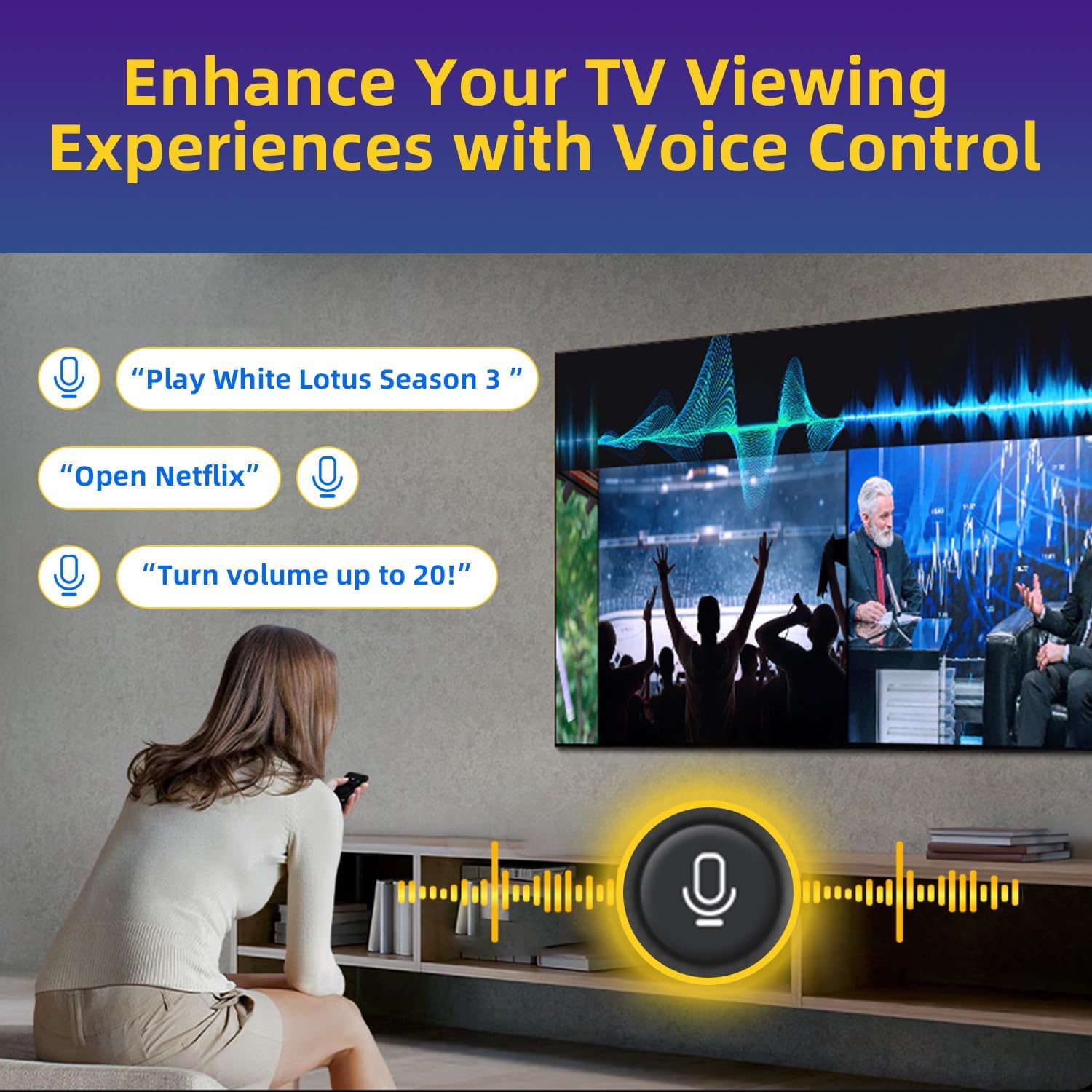
【Seamless Voice Control】Use your voice to find the contents you love in seconds. With built-in voice search and one-tap access to top apps, this remote puts your entertainment on speed dial.
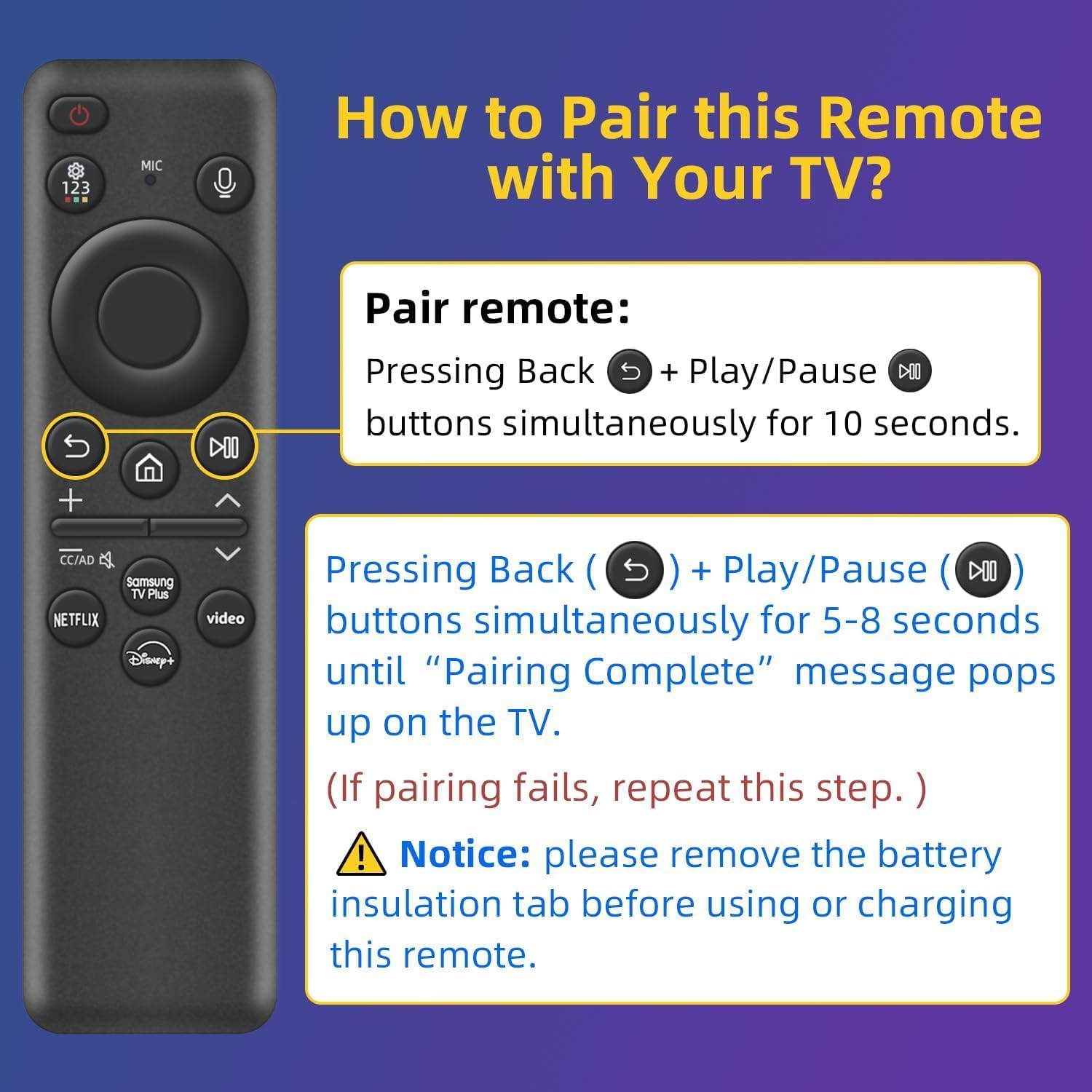
【Pairing Instructions】Pull out the battery pull tab from the bottom of the remote. Turn on your TV, and aim the remote at the screen. Just hold down “Return” and “Play/Pause” together for 5-7 seconds —when your TV says “Pairing Complete” you’re good to go. If pairing fails, please repeat this step a few times until your TV displays “Pairing Complete”.
【Eco-Powered Recharging】No more disposable batteries—this premium remote features both solar and USB-C charging (charging cable included), saving over 16 (8 pairs of) batteries in just five years. With built-in voice control, it’s smart, sustainable, and always ready when you are.
【Seamless Voice Control】Use your voice to find the contents you love in seconds. With built-in voice search and one-tap access to top apps, this remote puts your entertainment on speed dial.
【Pairing Instructions】Pull out the battery pull tab from the bottom of the remote. Turn on your TV, and aim the remote at the screen. Just hold down “Return” and “Play/Pause” together for 5-7 seconds —when your TV says “Pairing Complete” you’re good to go. If pairing fails, please repeat this step a few times until your TV displays “Pairing Complete”.
Location: DFW, TX
- Shipping
- Please wait...
7.00
Bids History
| Bidder | Amount | Date |
|---|---|---|
| R****b | $7.00 | 09/20/2026 16:23:46 |
| t****4 | $5.00 | 09/20/2026 13:03:21 |